Joining a Performance
Overview
Joining a performance connects your device to a live session, allowing you to follow along with music and stay in sync with your group in real time.
Steps to Join a Performance
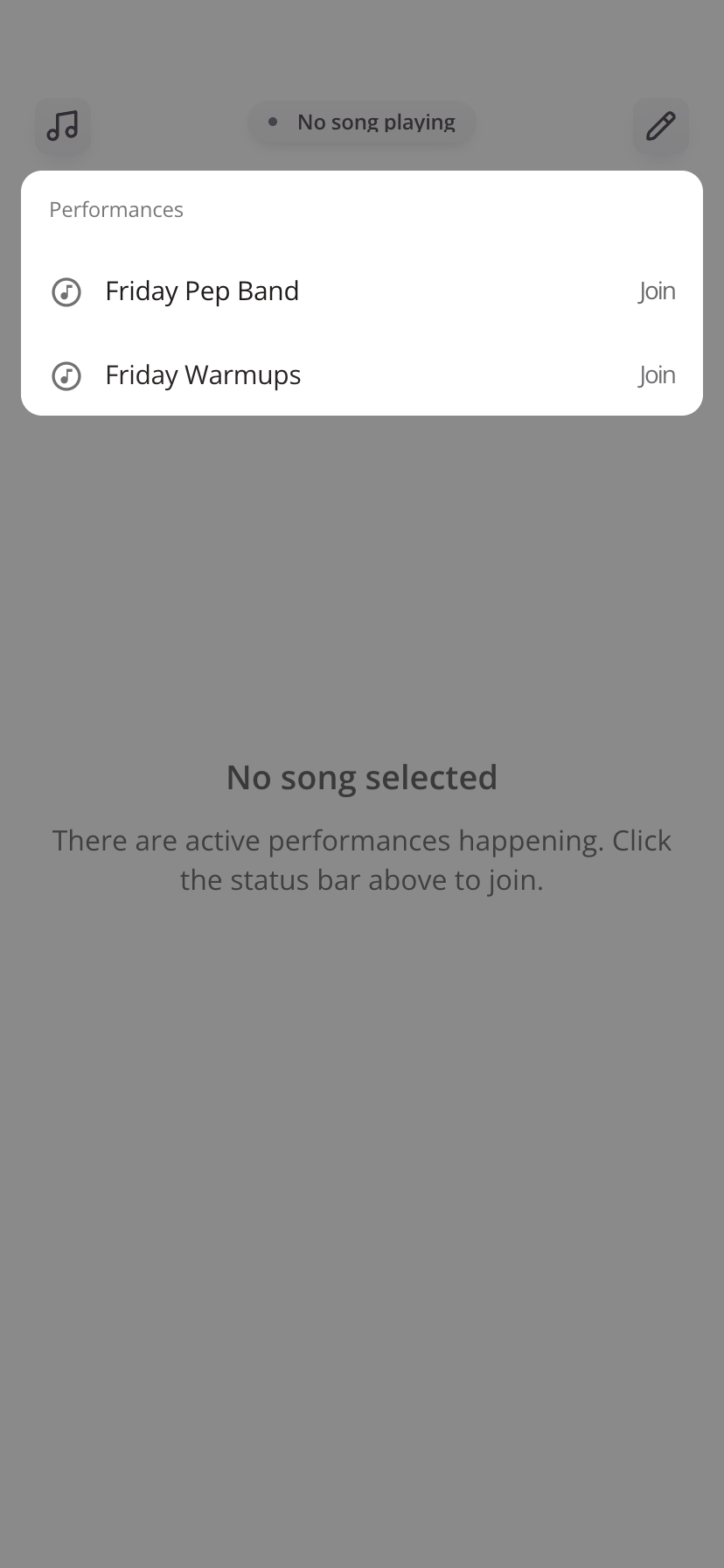
- Open the Performance Status Bar
- If performances are available you will see them listed
- Select Performance from the list by tapping Join
Once selected, you’ll be taken into the active performance.
What to Expect
- The currently active piece will load automatically
- You’ll stay connected until you leave or switch performances
Tips
- If you don’t see your performance, confirm you’re in the correct group or band
- Use the Performance Status Bar to switch sessions at any time
- Always verify the performance name before joining, especially during live events
Was this article helpful?
That’s Great!
Thank you for your feedback
Sorry! We couldn't be helpful
Thank you for your feedback
Feedback sent
We appreciate your effort and will try to fix the article