Installation
All event attendees will need to download the FlipFolder App on their phones/devices to access music.
Go to the Google Play Store (Android) or the Apple App Store (iOS) to download the app.

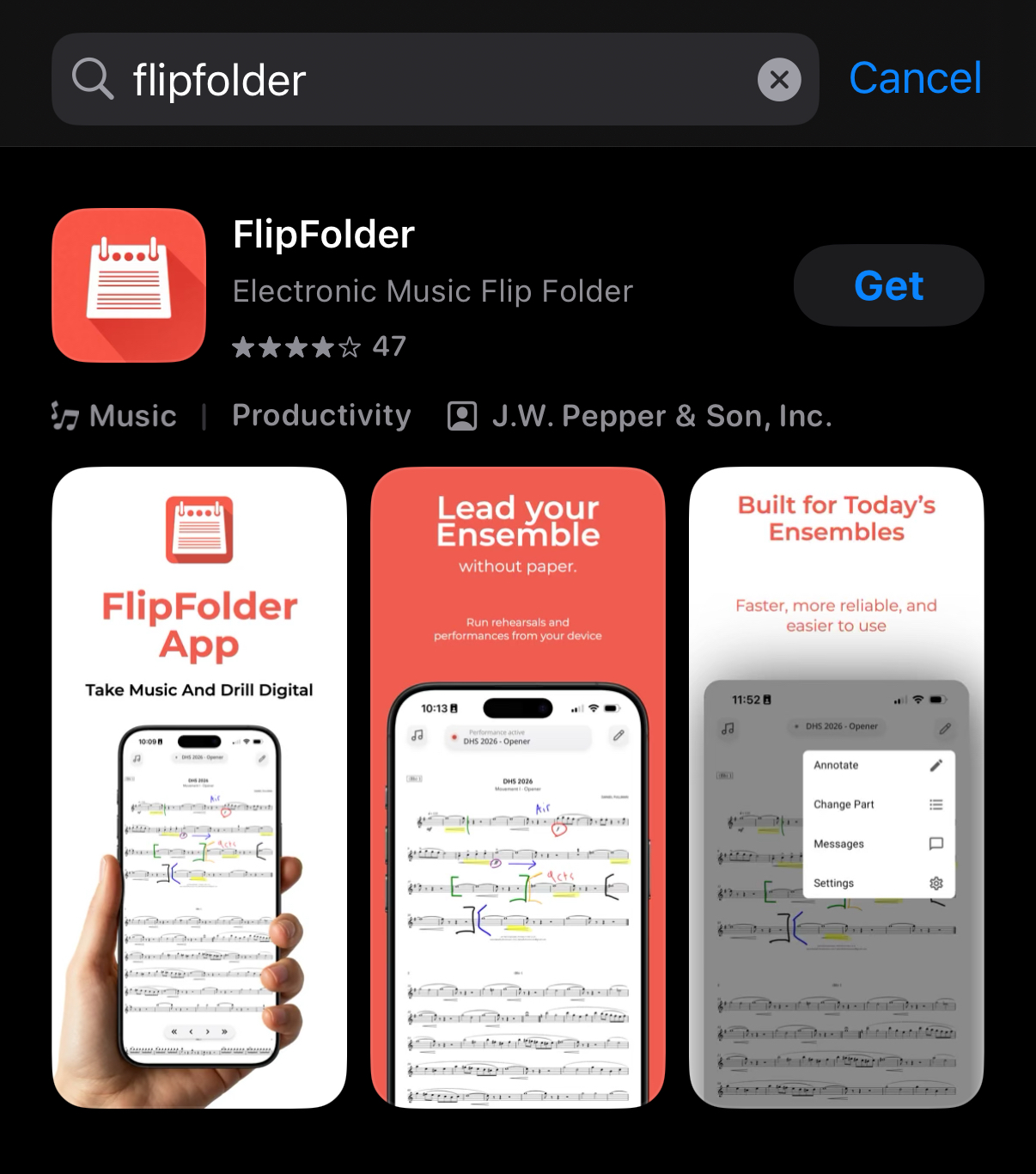
- Search for Flipfolder and select to download and install.
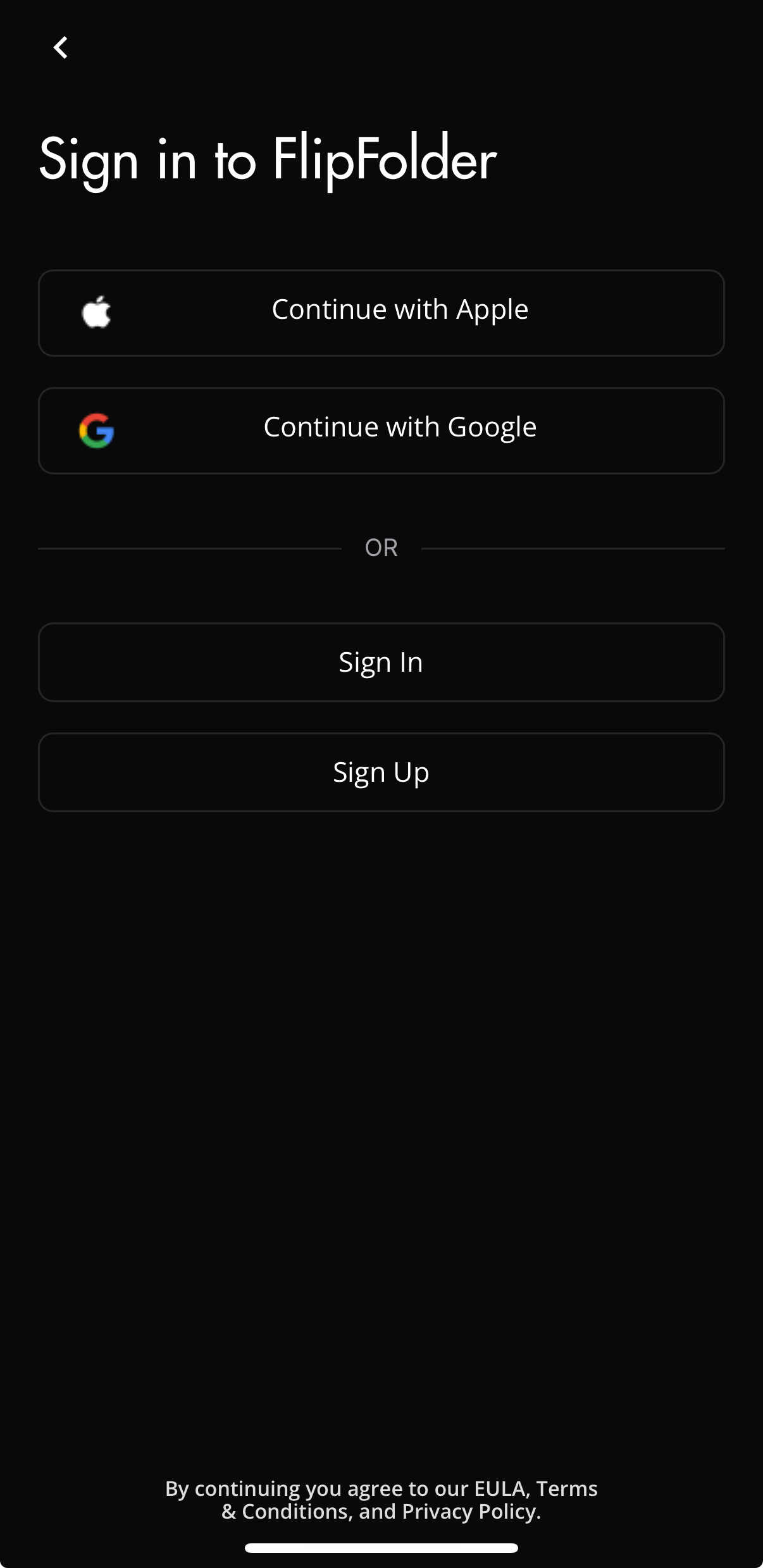
- Log in to FlipFolder App using a "federated login" (Apple or Google) of your choice. Or, create an email login and password of your choice.
Join Event
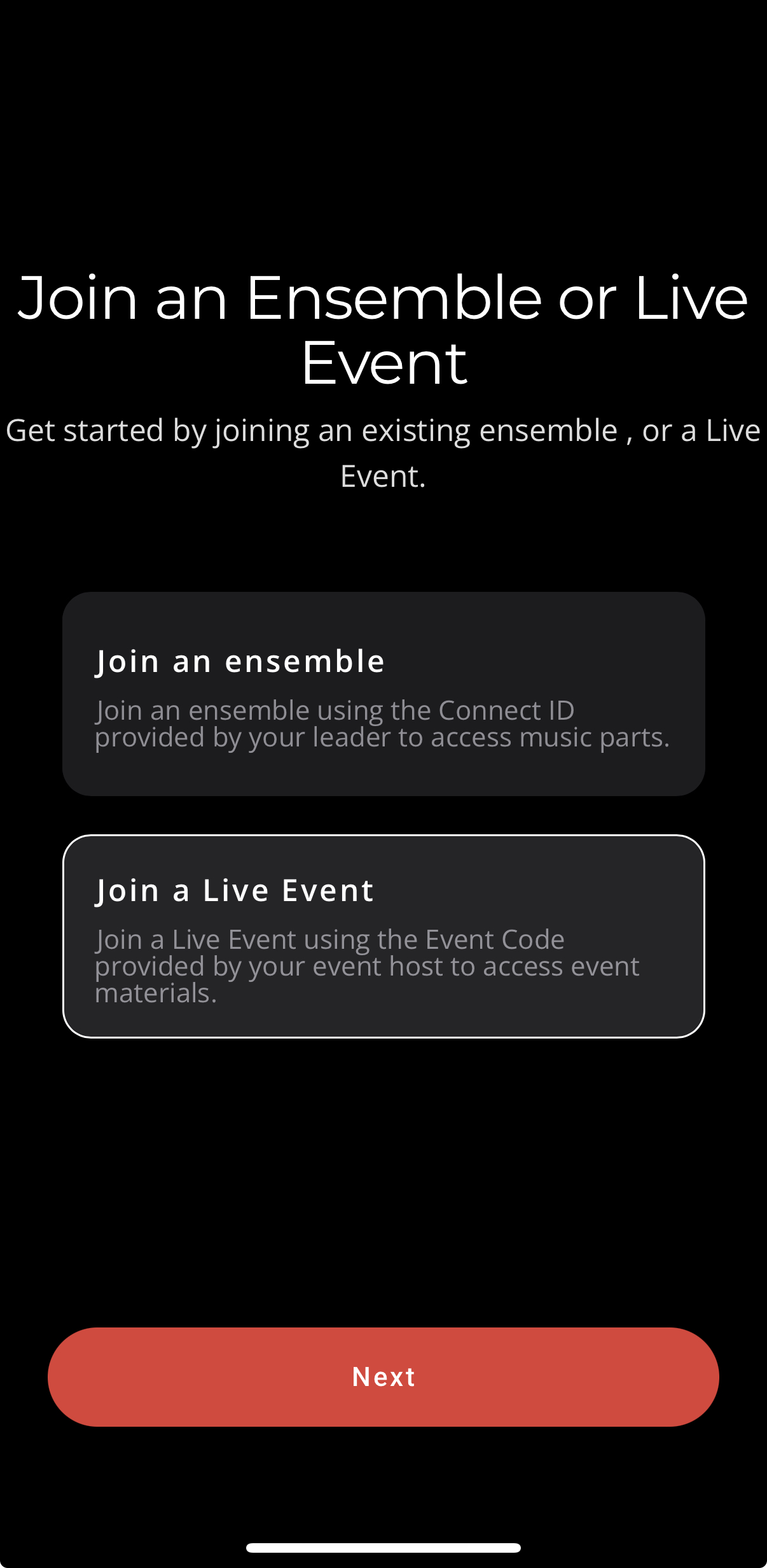
Once you have created your account, you will be prompted to join a live event.
Note: Existing users that have already joined an event previously will skip the following steps.
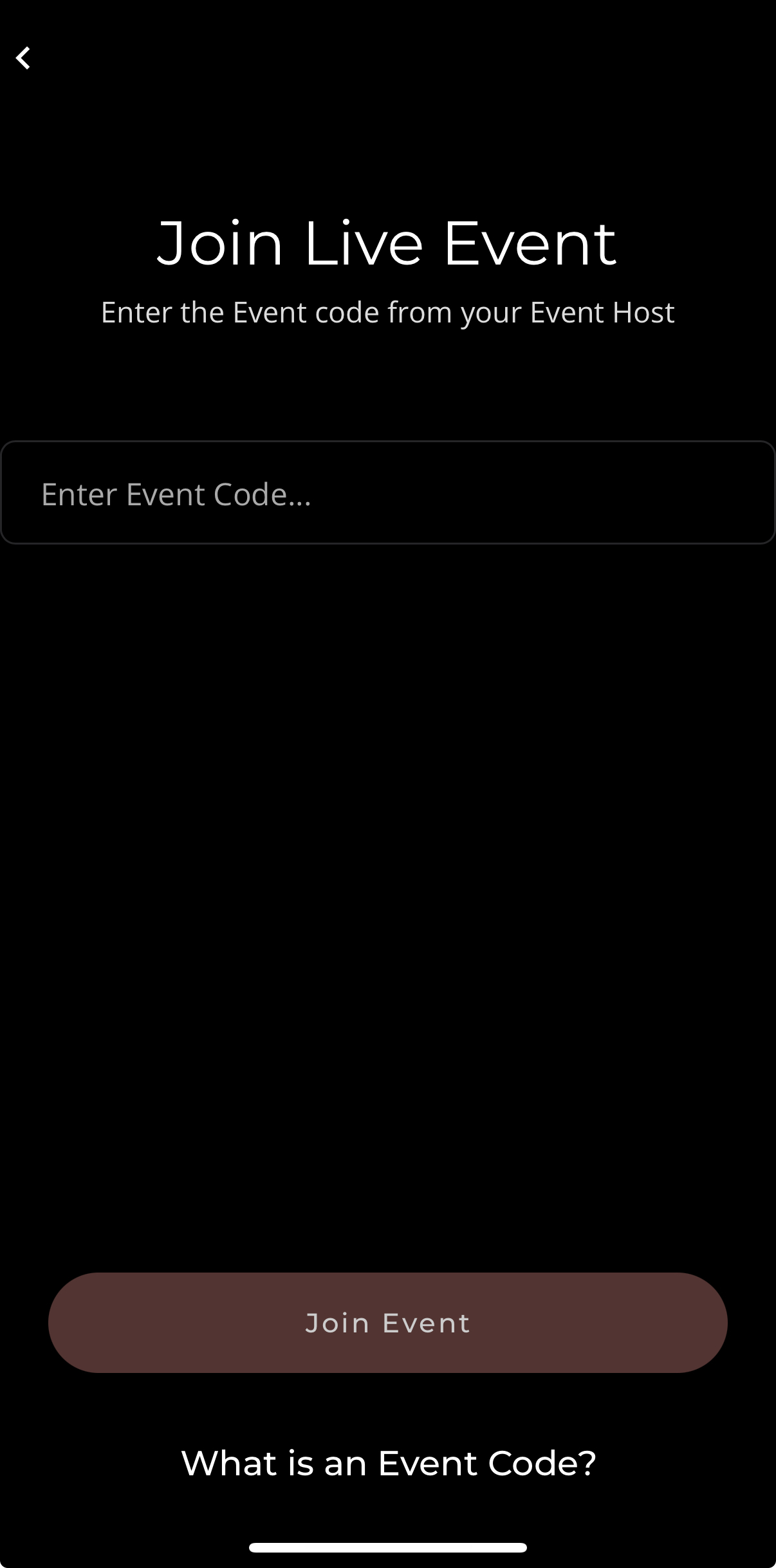
- Select "Join a Live Event"
- Enter the Event Code provided by your event clinician.
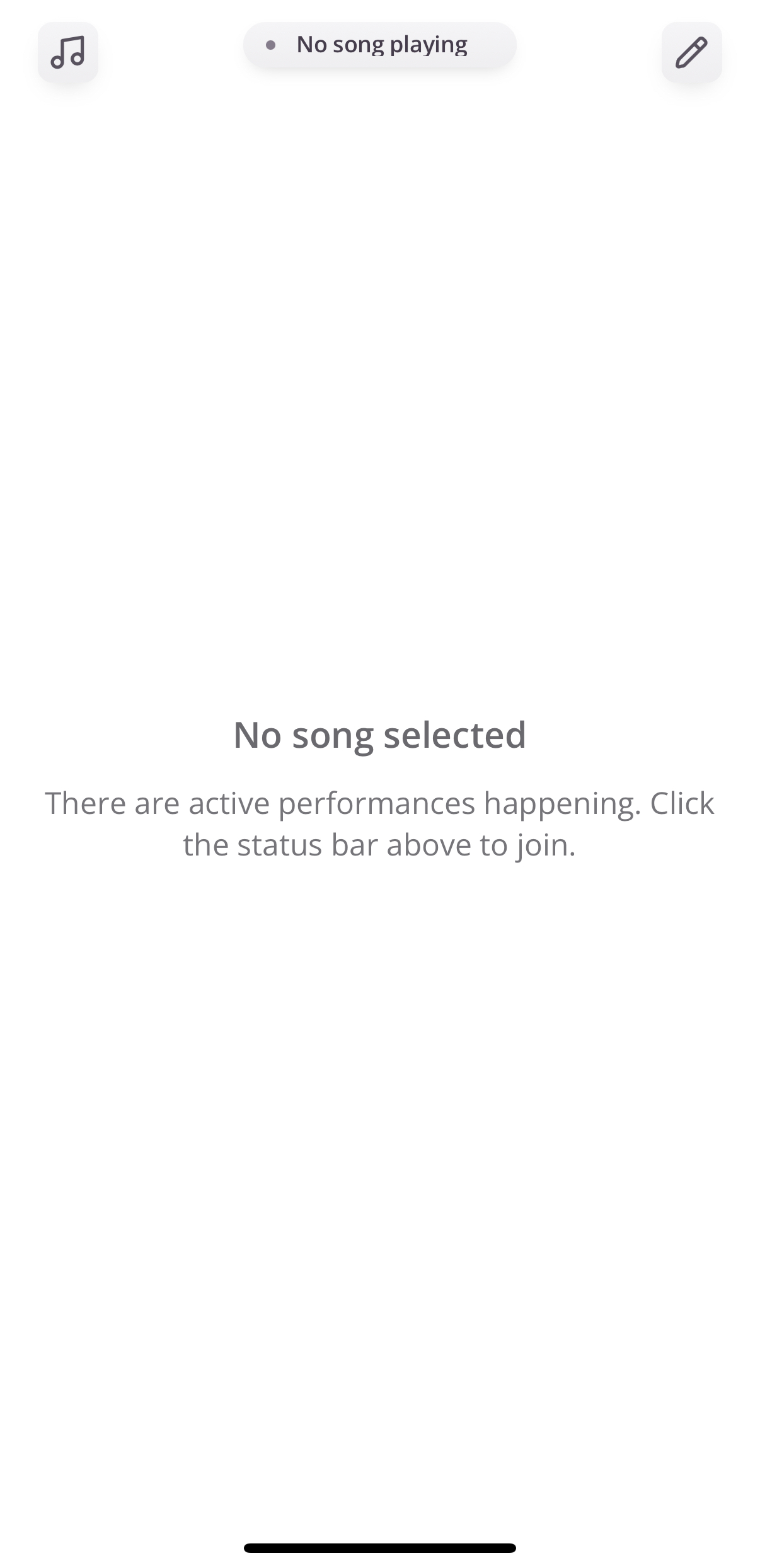
Finally, you will reach the home page! Your device is connected and you are ready to start using FlipFolder.
Note: You may be prompted to grant Bluetooth permissions. While we encourage you to enable Bluetooth in anticipation of other features being developed for Reading Sessions, this is not necessary to participate.
Was this article helpful?
That’s Great!
Thank you for your feedback
Sorry! We couldn't be helpful
Thank you for your feedback
Feedback sent
We appreciate your effort and will try to fix the article