Performance Manager
The Performance Manager is located in the center of the screen and is used to join, follow, and manage performances.
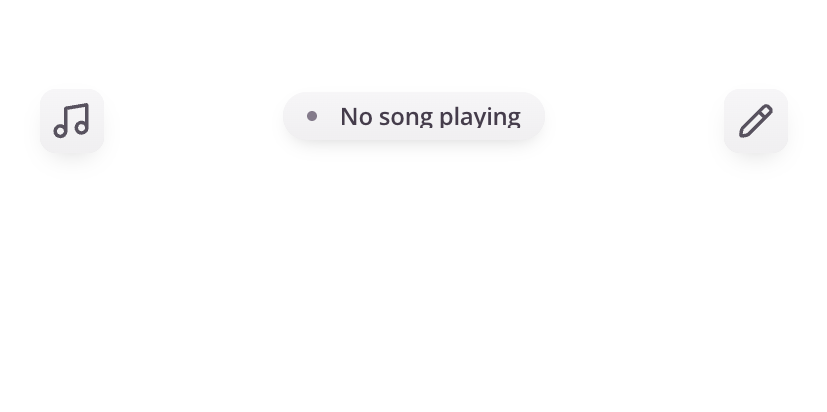
What is the Performance Manager?
The Performance Manager controls how music is shared during a rehearsal or performance.
It allows you to:
- Join an active performance
- Follow along as songs change
- Stay synchronized with your ensemble
If you have permission, you can also control the performance as a Band Leader.
Joining a Performance
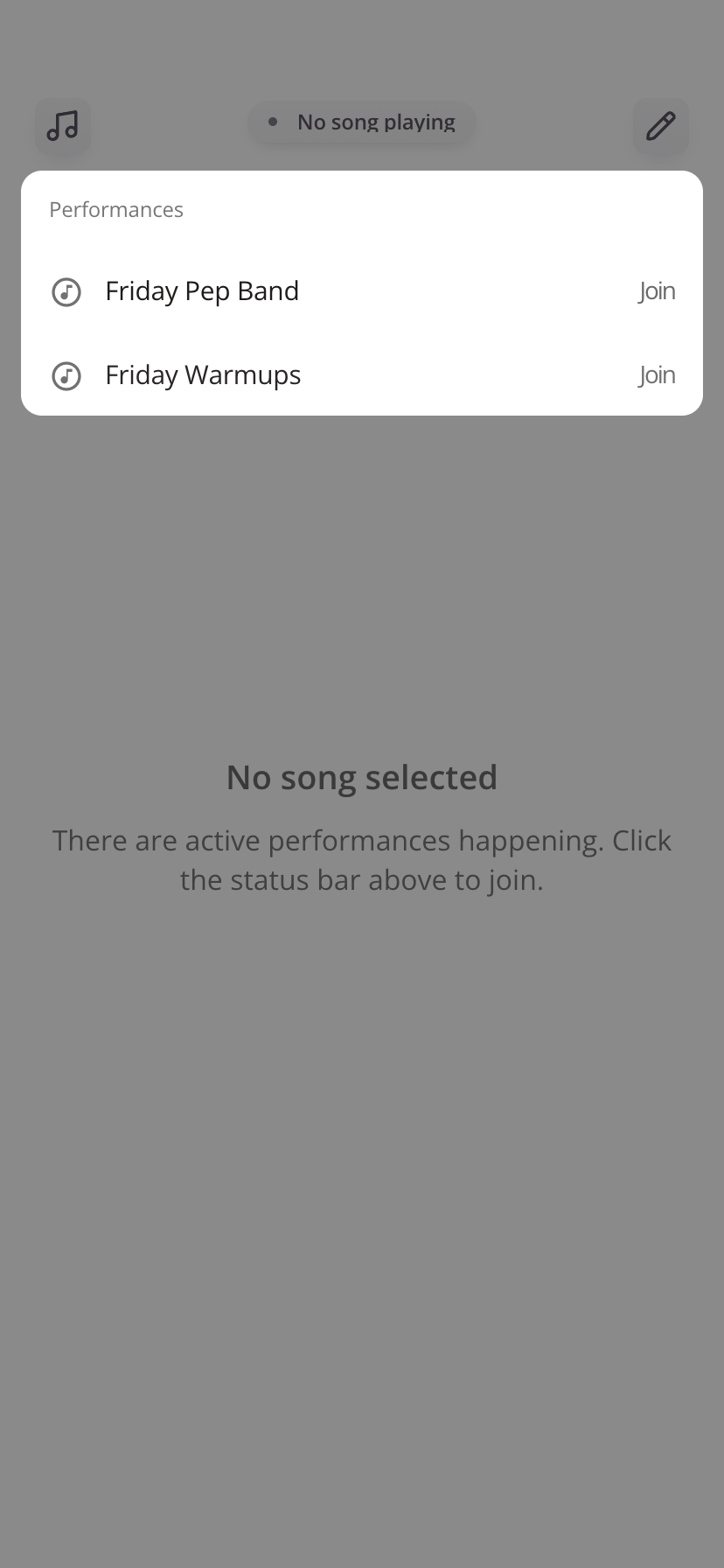
When a performance is active:
- The Performance Manager will display the current available performance
- You can tap Join and begin following along
Once joined:
- Music will automatically update as the director or Band Leader advances through songs
- You will see that you are in an active performance
- You do not need to manually select each song
During a Performance
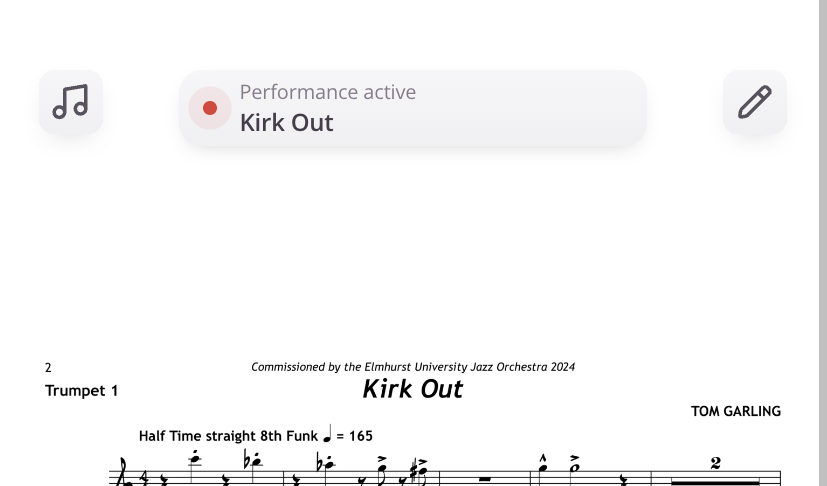
While connected to a performance:
- You will see that you are in an active performance
- The currently selected song will automatically display on your device for your currently selected part
- Your music will stay in sync with the ensemble
- Page turns and navigation remain under your control
Managing a Performance (Band Leaders Only)
If you have Band Leader permissions, the Performance Manager allows you to:
- Start or stop a performance
- Select songs for the ensemble
When No Performance is Active
If there is no active performance:
- You can still access music through the Music Library
- This is typically used for rehearsal or individual practice
Tips
- Join the performance before rehearsal or performance begins
- Ensure your device is connected and your music is downloaded for the best experience
- If you lose connection, you can rejoin the performance at any time
Notes
- Performance control is limited to users with Band Leader permissions
- Available performances are managed by your ensemble leader
Was this article helpful?
That’s Great!
Thank you for your feedback
Sorry! We couldn't be helpful
Thank you for your feedback
Feedback sent
We appreciate your effort and will try to fix the article