Music Library
The Music Library is where you access and manage all of your ensemble’s music.
To open the Music Library, tap the music icon on the left side of the screen.
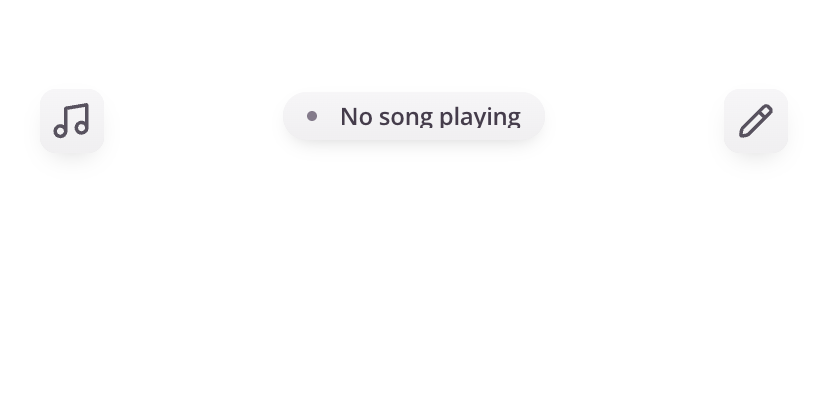
Browse Your Music
Your library includes all songs available to your ensemble and can be viewed in different ways depending on your needs.
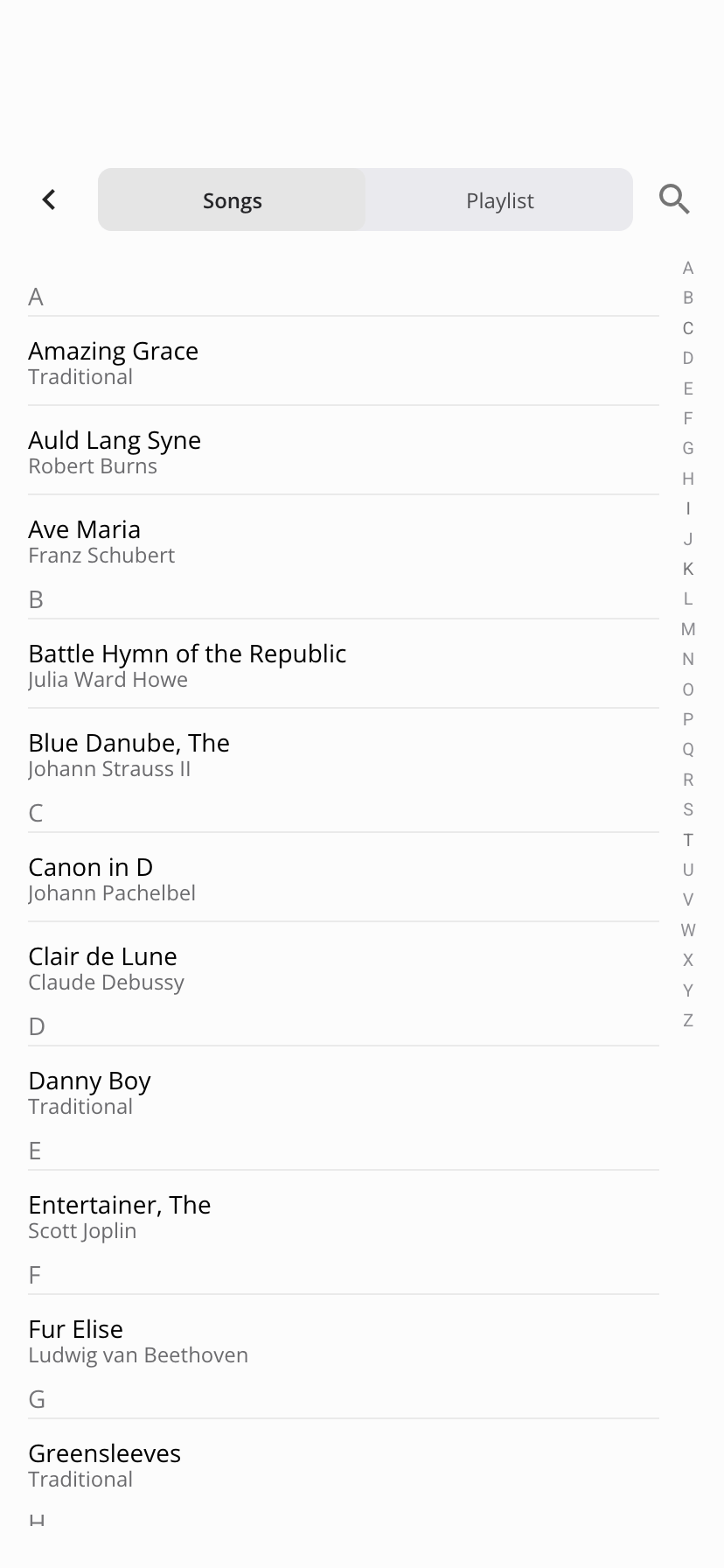
Songs
- Shows a complete list of all songs in your ensemble
- Songs are sorted alphabetically
- Best for general browsing or locating music outside of a playlist
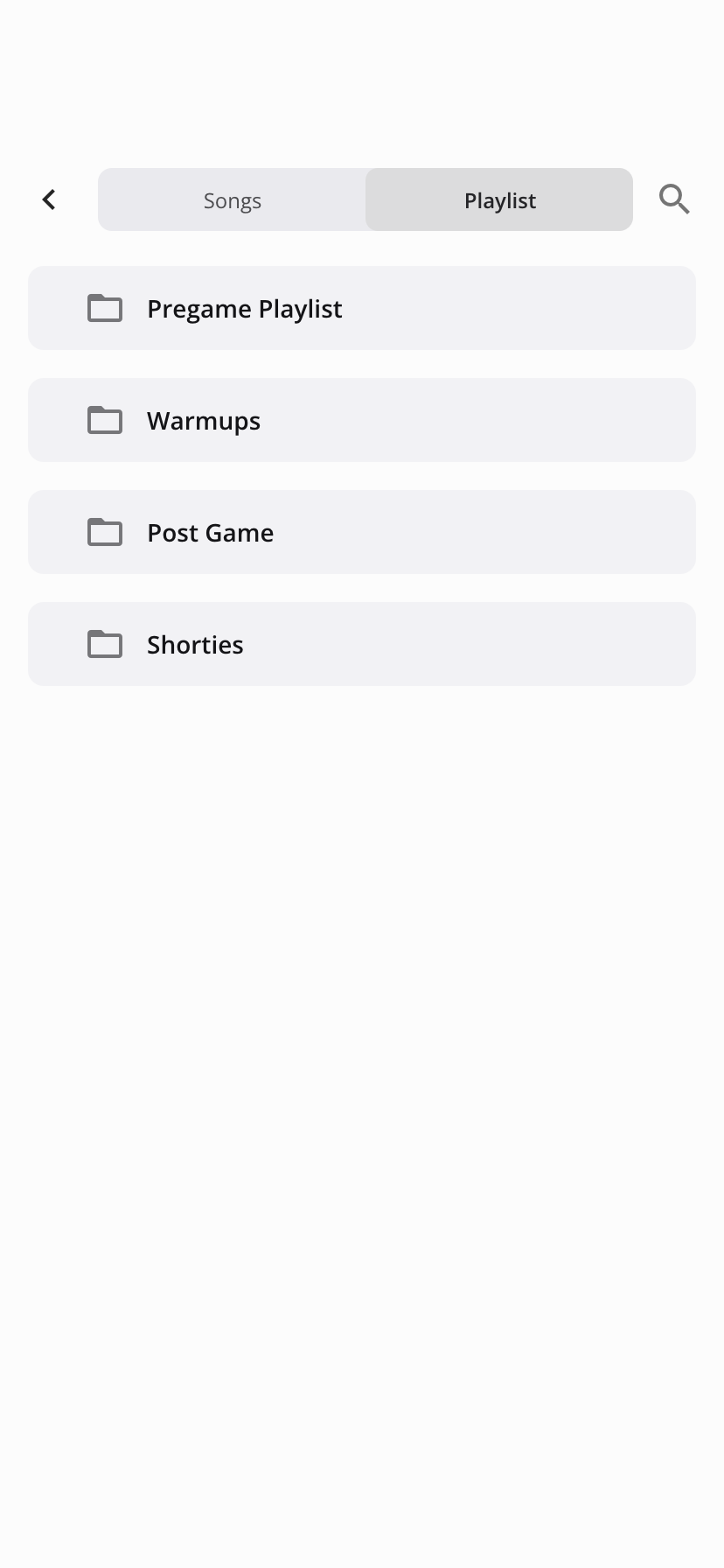
Playlists
- Displays playlists created by your band leader
- Songs are organized in the order they will be used for rehearsals or performances
- Ideal for following along during a structured set
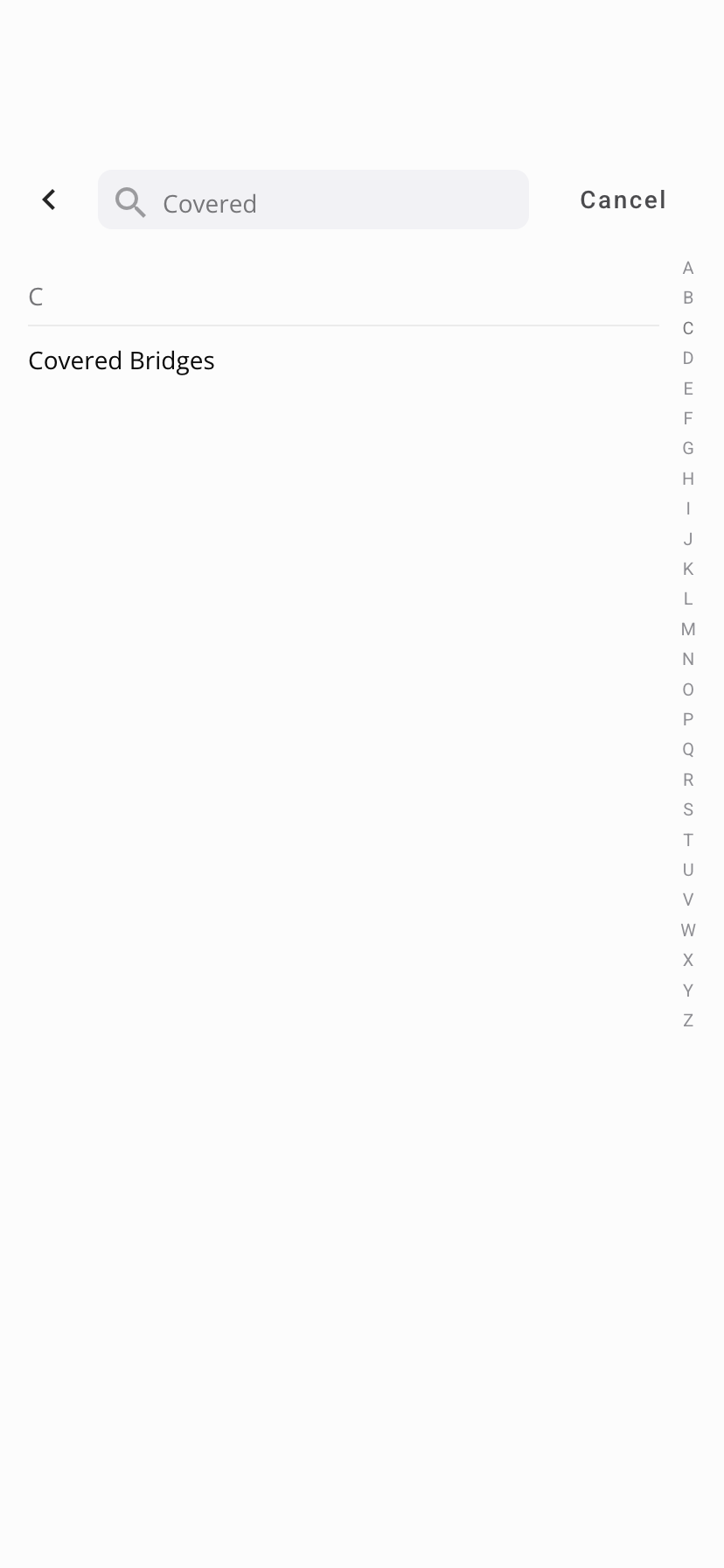
Search for Music
Use the search field to quickly find a song.
- Enter part or all of a song name
- Results will update as you type
- Useful during rehearsal or when a performance is not active
Tips
- Use Playlists when following a rehearsal or performance program
- Use All Songs when you need quick alphabetical access
- Download your music in advance to ensure offline access during performances
Notes
- Available songs are managed by your band leader
- If you do not see a song, it may not have been added to your ensemble or it may be hidden.
Was this article helpful?
That’s Great!
Thank you for your feedback
Sorry! We couldn't be helpful
Thank you for your feedback
Feedback sent
We appreciate your effort and will try to fix the article