Music Library
The Music Library is where you access all of your event's music.
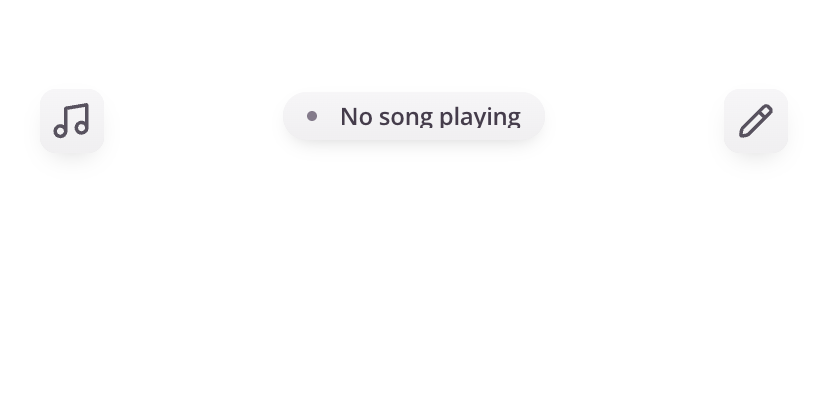
To open the Music Library, tap the music icon on the left side of the screen.
Browse Your Music
Your library includes all songs available to your ensemble and can be viewed in different ways depending on your needs.
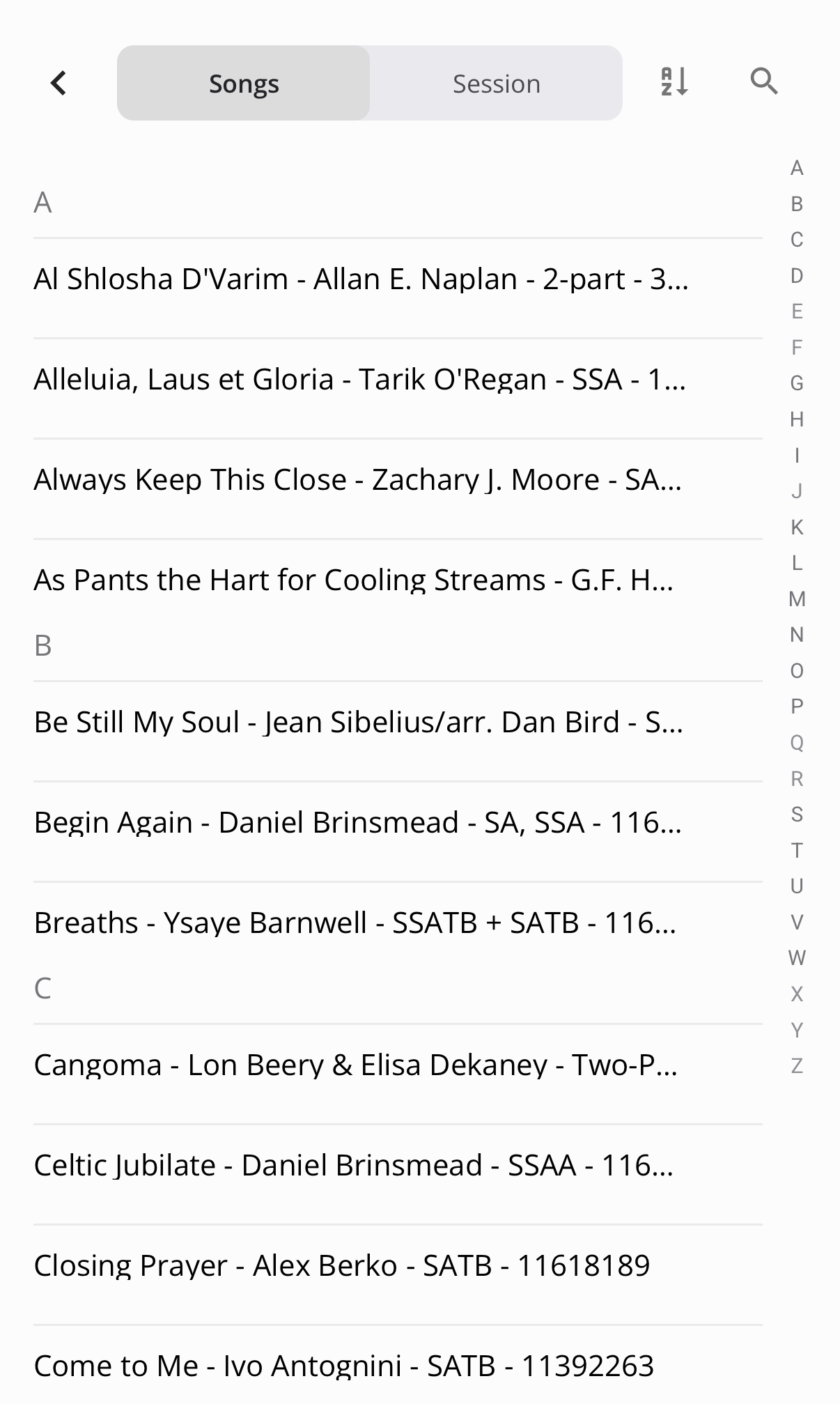
Songs
- Shows a complete list of all songs from your event
- Songs can be sorted alphabetically for easy navigation
- Best for general browsing or locating music outside of a session
Playlists
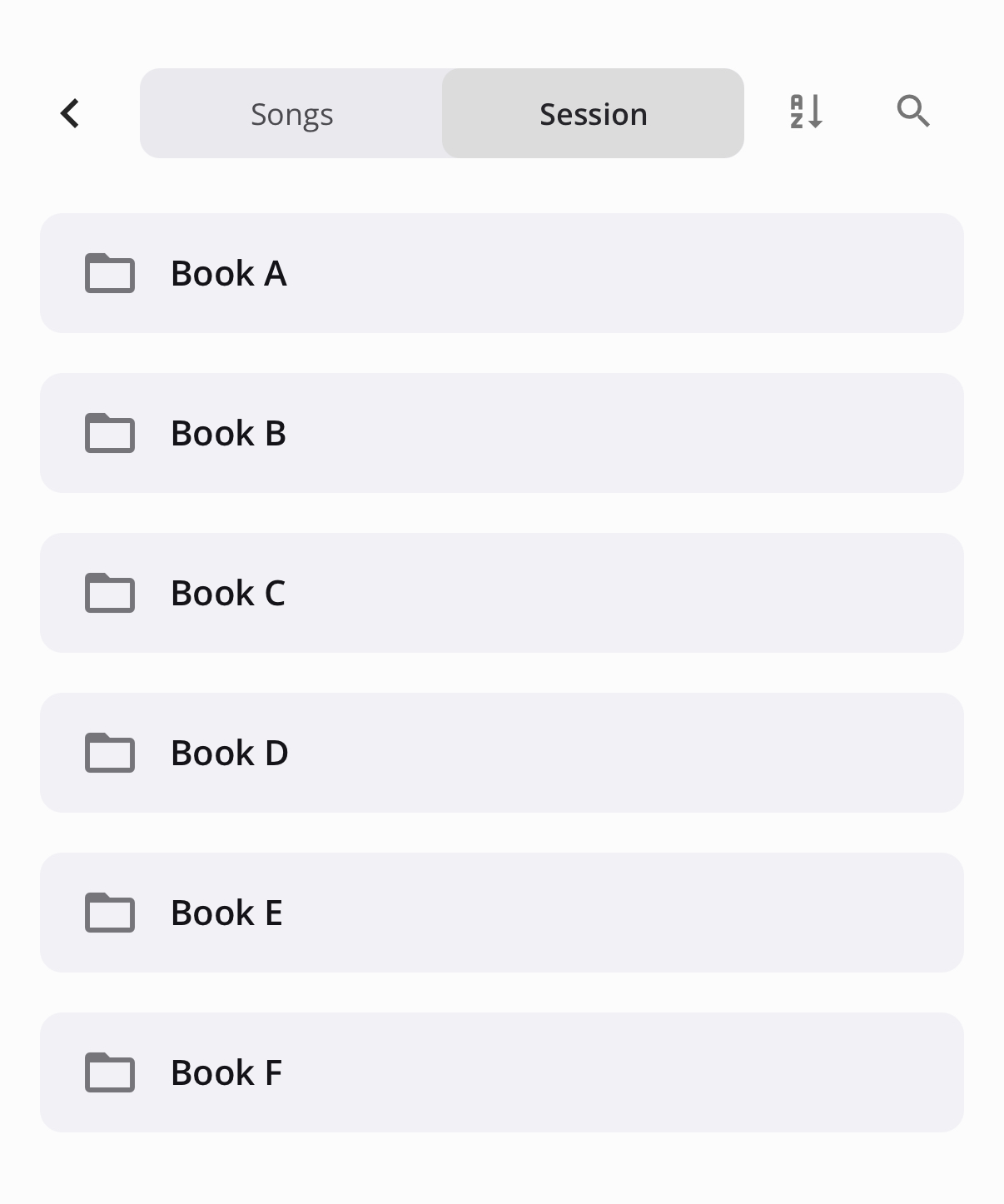
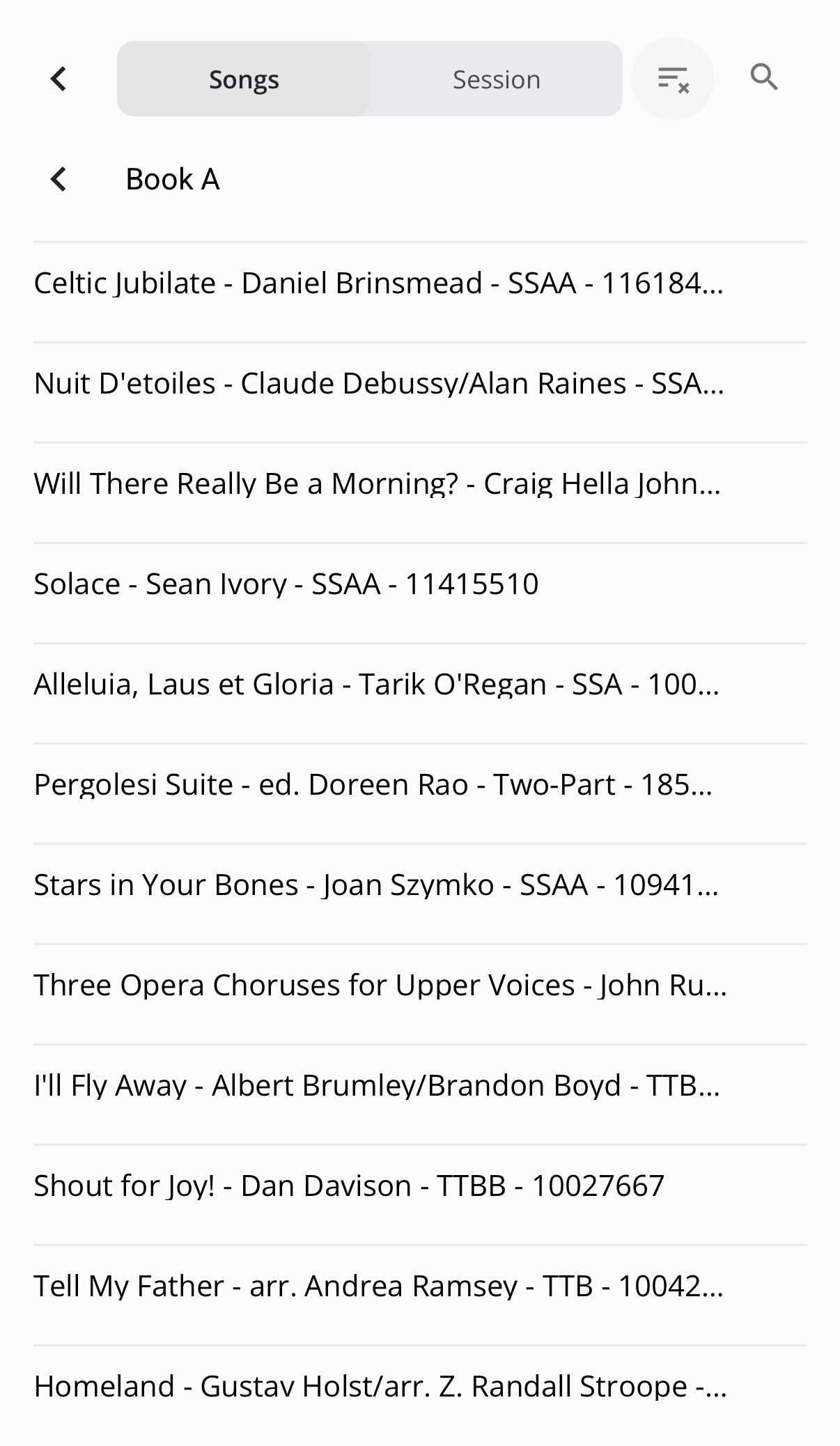
- Displays playlists created by your event clinician
- Songs are organized in the order they will be used for events
- Ideal for following along during reading sessions
Search for Music
Use the search field to quickly find a song.
- Enter part or all of a song name
- Results will update as you type
Tips
- Use Sessions when following a reading session program
- Use All Songs when you need quick alphabetical access
- Download your music in advance to ensure offline access during events
Notes
- Available songs are managed by your event clinician
- If you do not see a song, it may not have been added to your event or it may be hidden.
Was this article helpful?
That’s Great!
Thank you for your feedback
Sorry! We couldn't be helpful
Thank you for your feedback
Feedback sent
We appreciate your effort and will try to fix the article