Tools Menu
The Tools Menu provides access to settings, app display options, and additional features within FlipFolder.
To open the Tools Menu, tap the tools icon on the right side of the screen.
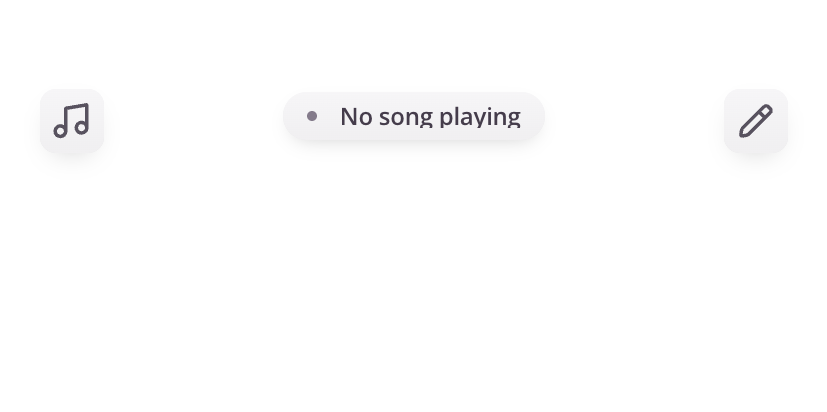
What is the Tools Menu?
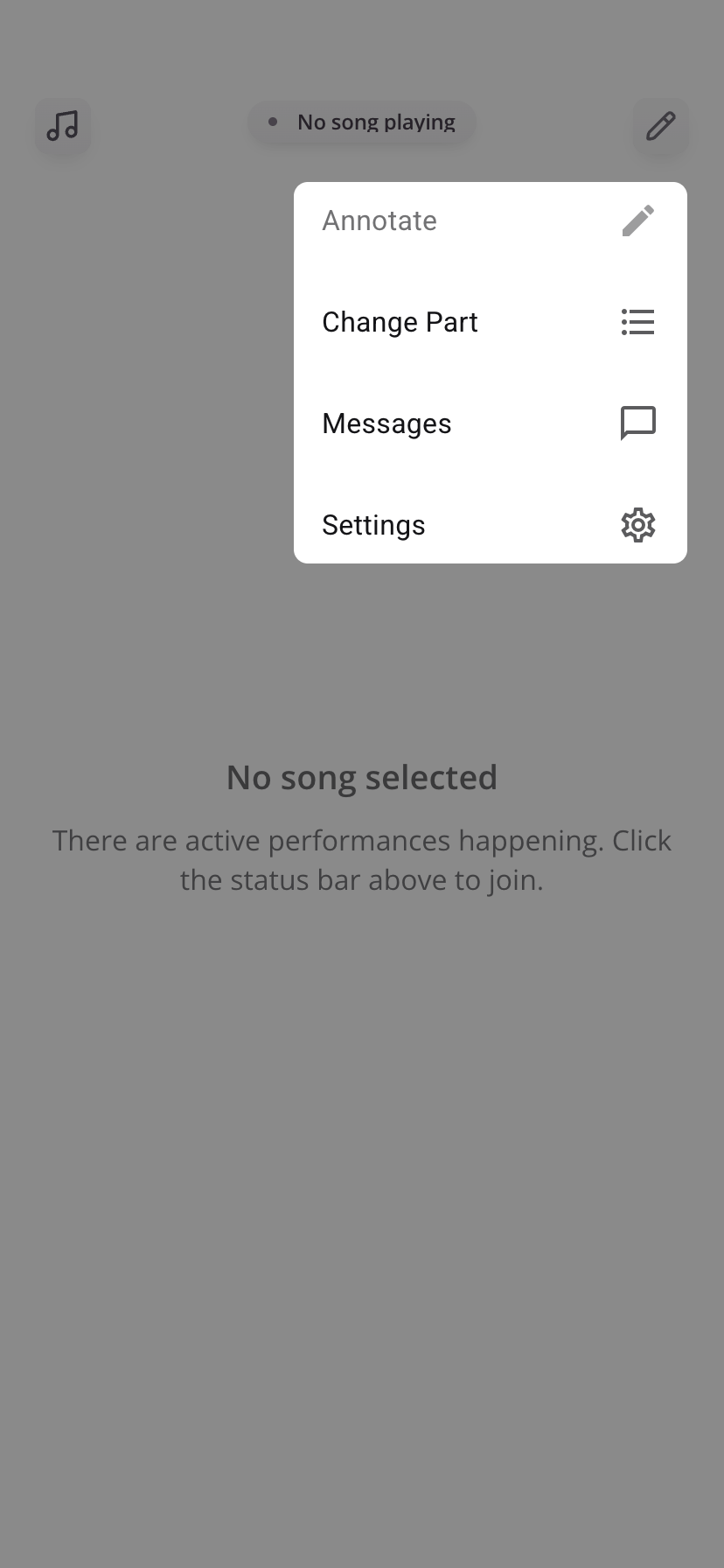
The Tools Menu is where you manage your experience in the app. From here, you can:
- Adjust your settings
- Add annotations to your music
- Manage your event connection(s)
Key Features
Annotation / Drawing
- Add markings directly to your music
- Useful for notes, reminders, or performance cues
Lock Orientation
- Prevent screen rotation while using the app
Settings
- Access additional settings and controls for your app experience.
Settings Overview
Event Settings
Switch / Remove Event
Switch to another event you've already joined or connect to a new one using a provided event codeDownload Songs
Download all music to your device for offline use- Recommended before events
- Recommended before events
Remove Event
Disconnect your device from the current event
App Settings
Send Error Reports
Report issues to supportDark Mode
Adjusts display for better visibility in bright environments
Tips
- Use the Tools Menu to quickly access features without leaving your current view
- Download songs in advance to avoid connectivity issues
- Adjust settings based on your environment
Was this article helpful?
That’s Great!
Thank you for your feedback
Sorry! We couldn't be helpful
Thank you for your feedback
Feedback sent
We appreciate your effort and will try to fix the article